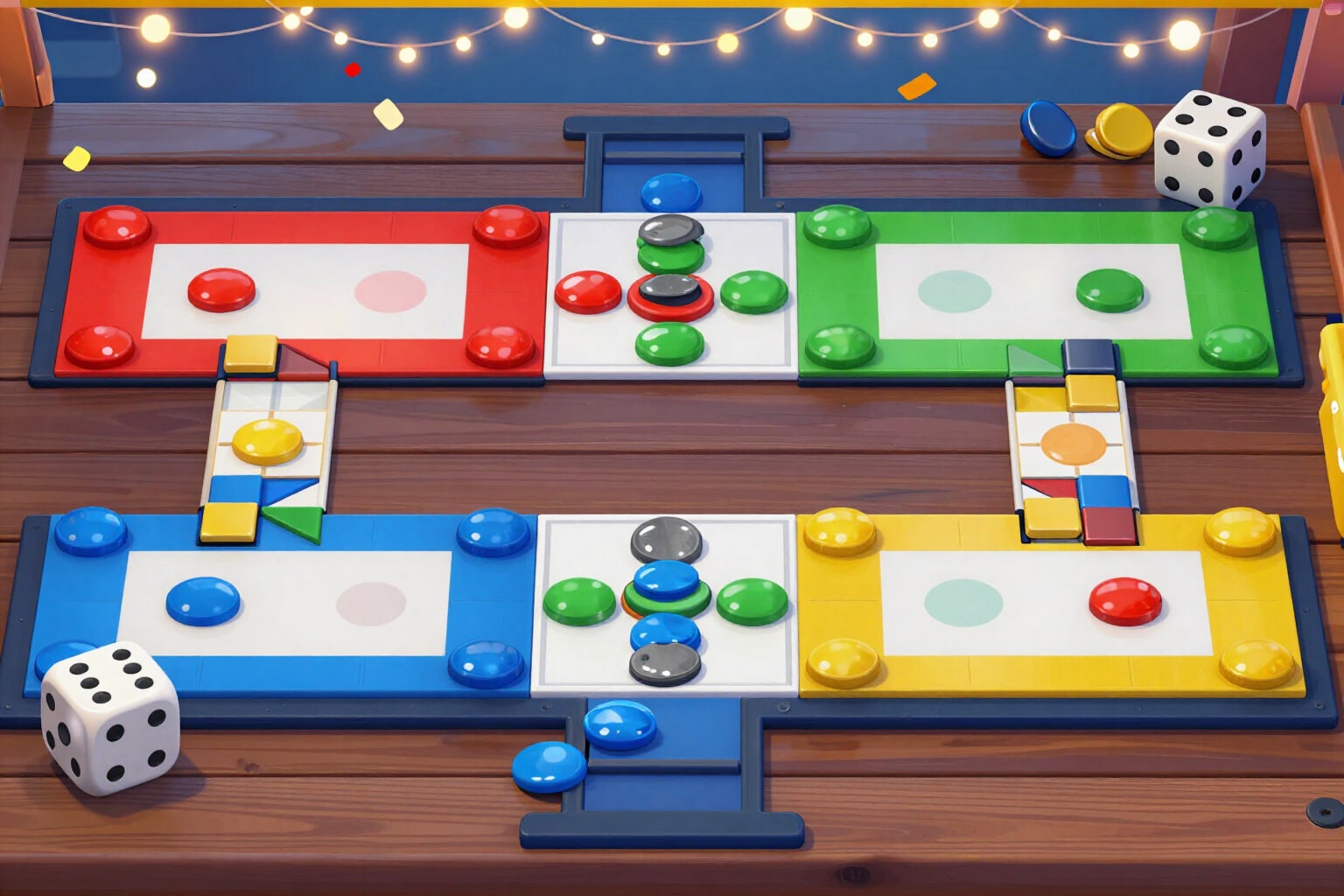
Ludo King Quick Mode: Home opens when you capture
In Quick Mode, you cannot enter the home column without having captured an opponent's token. The coach withdraws that move, places a padlock over your home, and tells you whom to hunt and with which die.
It's not bad luck or a game error: in Quick Mode, a requirement is missing, and the game doesn't explain it to you.
When you choose Quick Mode in the coach, the engine activates the capture pass rule: as long as you haven't captured, no move entering your home column counts as valid. Those moves do not appear in the ranking, and instead, you receive an actionable alert: «You cannot enter home yet: you need to capture a token. The best hunt now is this token with a 5». The board shows it at a glance: a padlock appears over your home square while the pass is pending, and disappears as soon as you achieve it. The pass is marked automatically as soon as you apply a capturing move within the app. If you had already captured before opening the coach, you mark it yourself with a tap on the «No Pass» chip in the top bar. And it's not just the alert that changes: the advice changes too. In Quick Mode, the engine weighs hunting 2.4 times more than in classic mode, so the 0-100 ranking pushes towards moves that put you in range of an opponent's token, always with its real capture probability shown. The objectives panel is renamed «You must capture to enter» and lists which tokens are within reach with each face of the die. Everything runs on a deterministic engine within your browser: same position, same advice. It's an external analysis tool: it doesn't connect with Ludo King, doesn't read your game, and doesn't move anything for you.
Try Capture Pass (Quick Mode) right here
Use it free without an account. If you want to save your result, you can sign up afterwards.
Save / Sign upBenefits of Capture Pass (Quick Mode)
You understand the blockage in one sentence
instead of a token that won't move, you read the reason and the specific action — you need to capture, and this is the token to hunt.
The padlock is on the board
as long as the capture pass is missing, your home square appears with a padlock; once you get it, it disappears. No menus or rules to read.
The capture pass is marked automatically
you apply a capturing move in the app, and the status changes to «Pass». You can also mark it manually if you had already captured before opening the coach.
The ranking prioritizes the hunt
in Quick Mode, the weight of a capture is 2.4 times that of Classic Mode, so the recommended move brings you closer to the token that unlocks your home.
You know who to hunt and with which die
the objectives panel lists rival tokens within reach and the probability of reaching them on the roll.
The rule doesn’t interfere with other modes
the capture pass only exists in Quick Mode. When returning to Classic or Team Up 2v2, the engine removes it, and your home remains open.
Free, no registration, and no game modification
an external, deterministic tool designed for mobile while playing in split-screen.
Set up your board in Quick Mode and see whom to hunt
Tap the die you rolled and you'll get the best move with its real capture risk. Free, no registration, and no installation.
In the features that use AI, responses are generated by artificial intelligence and are not a substitute for professional advice.